Tap to translate
One tap shows the full sentence in your language with the matching word(s) highlighted — you learn words in context, not in a list.
TReader is the reader for .tbook books. Read the original at your own pace; tap a word you don’t know and the whole sentence appears translated, with the matching word highlighted. Every translation lives inside the file, so there is no network, no account and nothing to wait for.
Android 8.0+ Linux · Windows · macOS
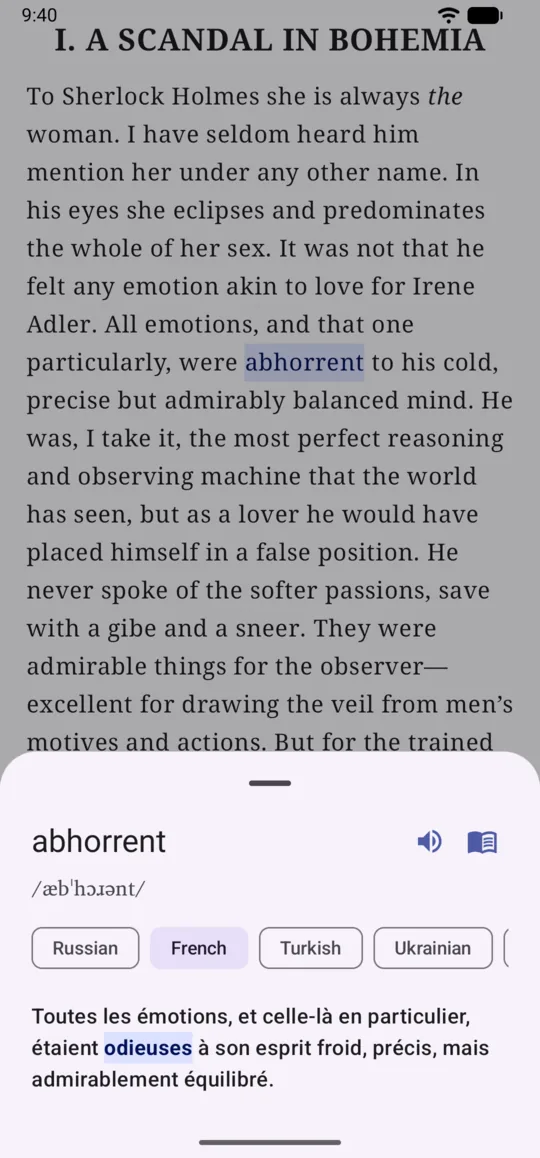
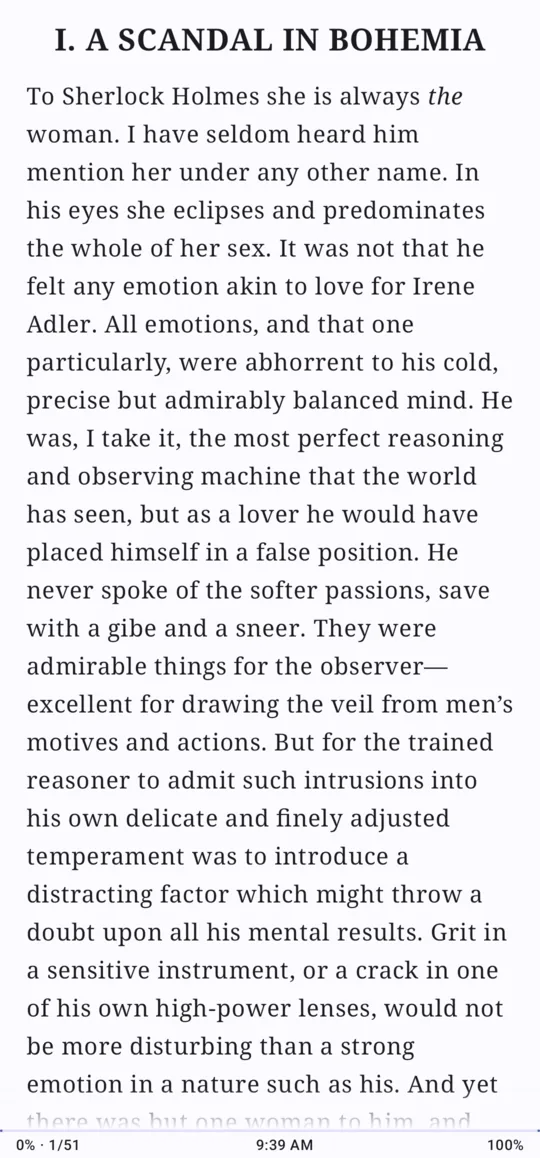
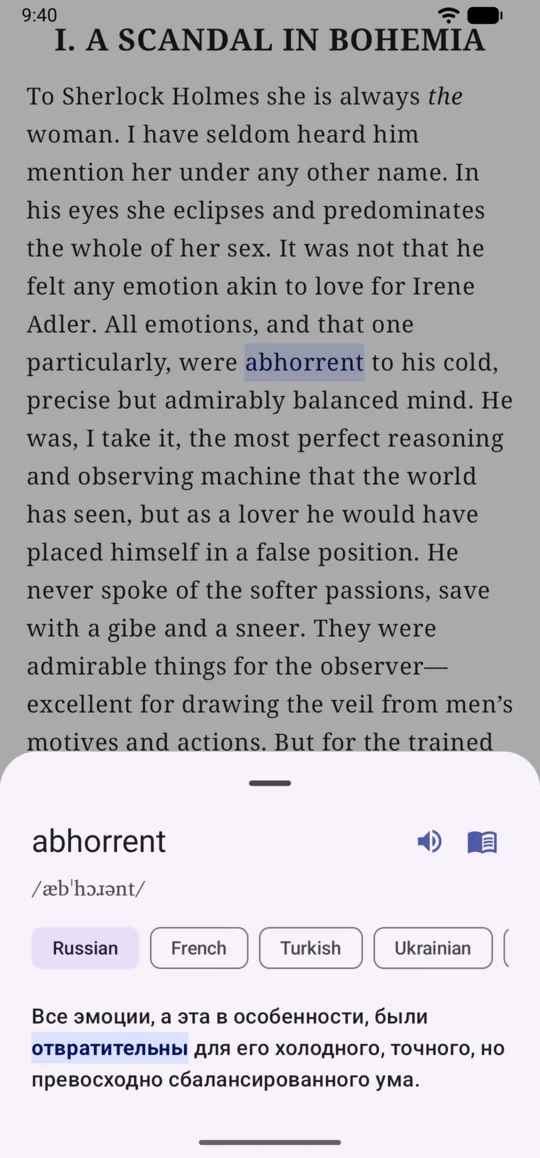
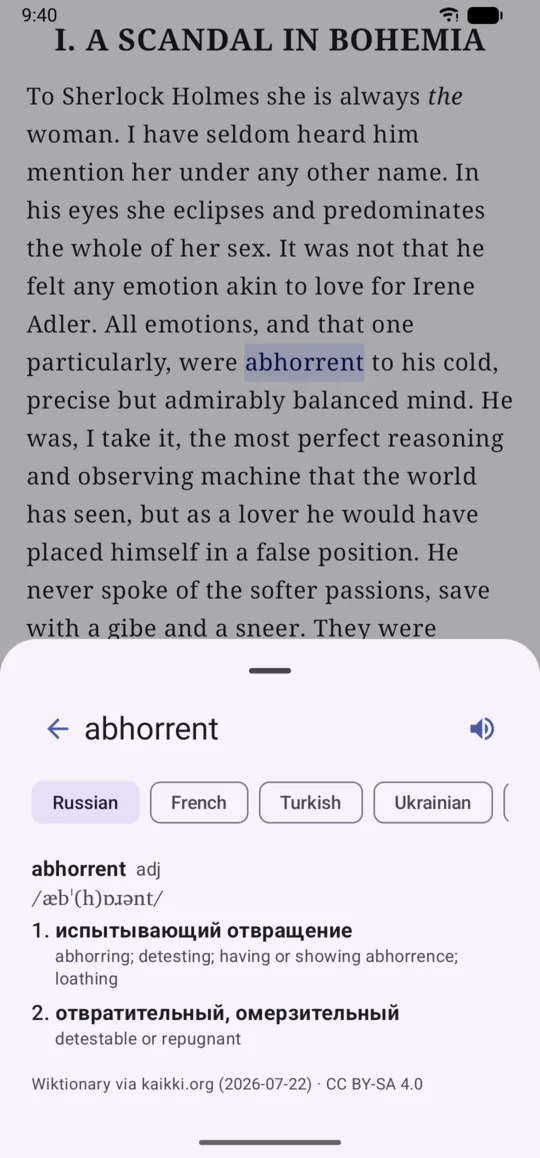
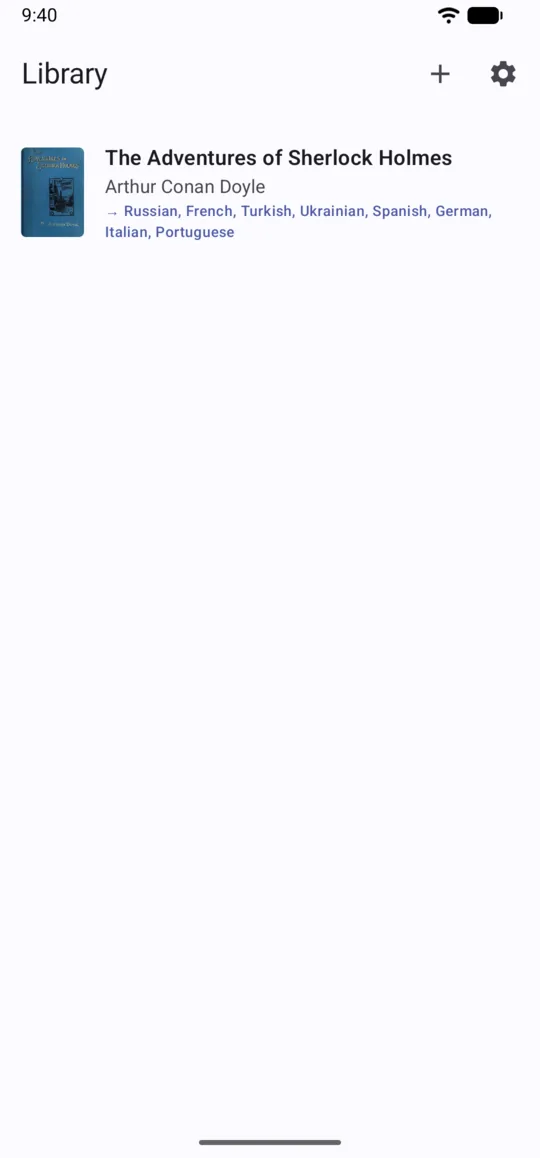
Screenshots from the Android app.
Built around one gesture, then polished for long evenings of reading.
One tap shows the full sentence in your language with the matching word(s) highlighted — you learn words in context, not in a list.
For English source text the tapped word comes with its phonetic transcription, from a dictionary bundled inside the app.
Install a dictionary for your language pair and open the full article straight from the word popup — the only thing the app ever downloads.
Hear any word or sentence through your device’s text-to-speech, right at the moment you look it up.
Black on white, no animations, volume-key page turns — detected automatically on e-readers and switchable by hand.
Serif, sans or mono; adjustable size and margins; light, dark or system theme; paged or scrolled reading.
A book carrying several target languages gets a language picker inside the translation sheet — same page, another language.
No account, no ads, no analytics. Your library and your reading positions never leave the device.

The main app. A complete book — The Adventures of Sherlock Holmes, translated into eight languages — is built in, so you can start reading the moment it installs.
The same reader on Linux, Windows and macOS: a small native build (about 6 MB) that opens the very same .tbook files.
A .tbook is a ZIP of UTF-8 JSON: the original book, a translation of every sentence, and a map from each source word to the word(s) it becomes.
Translations and alignments are computed once, when the file is made. The reader never calls a server — on a plane, in the metro, in a dead zone it behaves the same.
Each source word points at the exact target word(s) it becomes, even when the sentence is reordered or one word turns into three. That is what lights up when you tap.
The source language is the pivot and every target aligns back to it, so a single book can carry eight translations and still be one file you copy around.
A complete book ships inside the app. To add your own, convert an EPUB or FB2 online and import the .tbook you get back — or run the open-source converter yourself and keep everything on your machine.
Free, offline, no account — and the first book is already inside.
Android 8.0+ Linux · Windows · macOS